
HunterTracker3.7 - App Store
You'll be able to see results in few seconds.
Publisher Description

WHY HUNTER TRACKER?
There are a few hunting apps on the market these days, and even less tracking apps. Most are complicated and time consuming. And what happens AFTER you bag that big buck? With these issues in mind, we created Hunter Tracker, the world's easiest hunting and tracking app! It was created for hunters by hunters. The same problems that you’ve faced in the wild, we've faced as well.
* New Colors!
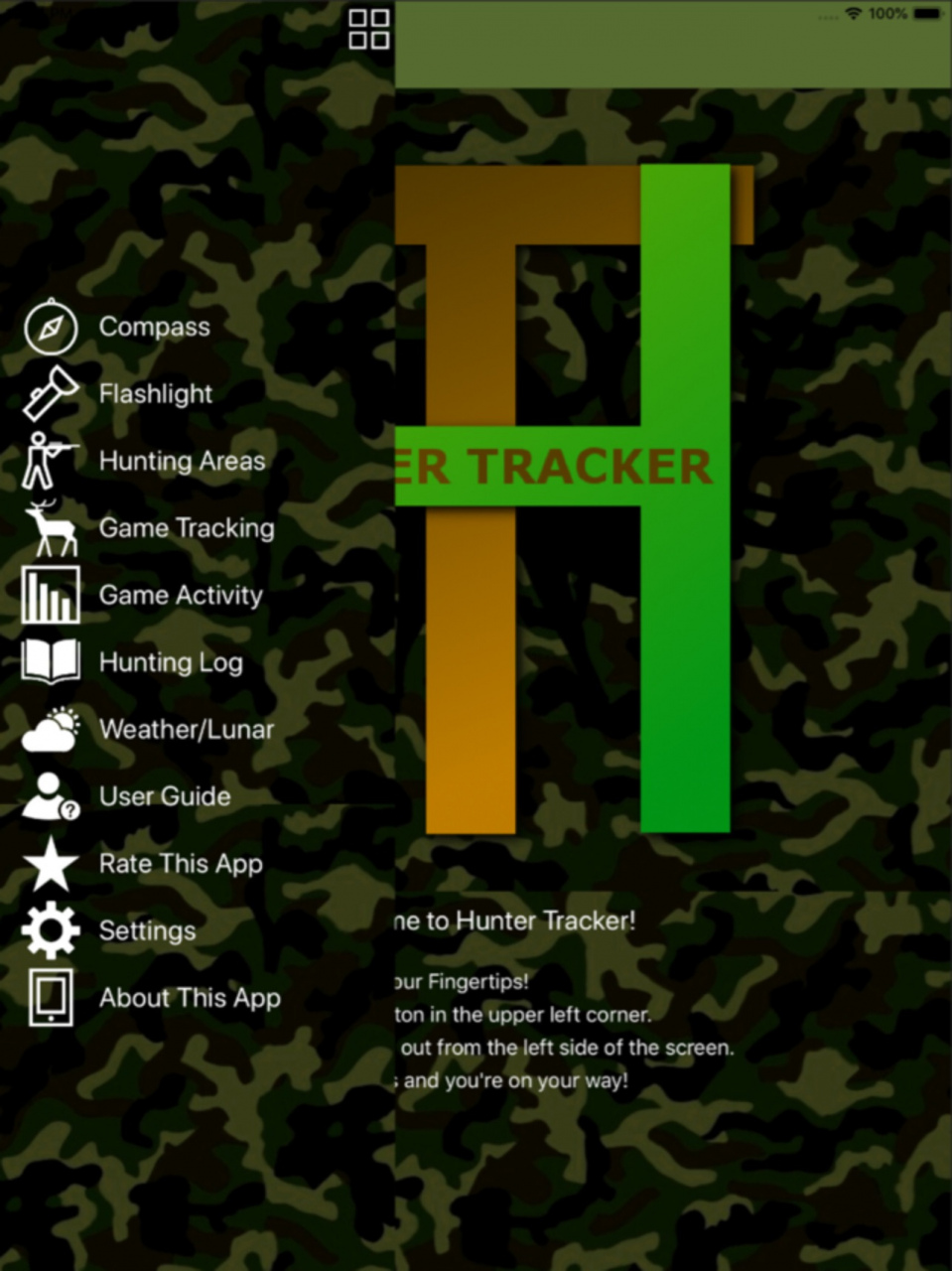
* New Menus!
* New Deer Activity Indicators!
* No Irritating Pop-Up Ads!
* No Intrusive Logins! Just Open the App and Use It!
* Hunting and Tracking Info at your Fingertips
* Hunting Log Keeps Track of Important Activity
* Share Your Hunting Log Photos on Facebook & Twitter
* Store an unlimited number of locations
* Game tracking GPS and guidance
* Graphical wind and scent direction indicator
* 5 Day Lunar Activity and Weather Forecast
* Easy to use Compass and Direction Finder
* Especially suited for Whitetail Deer Hunting
COMPASS
Compass image with standard compass needle points, digital readout with the bearing in degrees, alphabetic symbols with compass needle heading.
DIGITAL AND MAP GAME TRACKING
Simply find the first sign of the animal's trail and tap the MARK GPS POSITION button. A coordinate will pop up on the screen. Move on to the next blood drop or broken twig and mark it. If you lose the game's trail, just tap one of the coordinates and the GPS will guide you back to it.
UNLIMITED HUNTING AREAS
Add as many locations as you choose. When you tap the ADD NEW HUNTING AREA button, a screen with two tabs will appear:"
The BY LOCATION tab prompts you to either choose the location you are at or type in an address. Once the GPS coordinates have been determined, type in a descriptive name and save the location.
The BY MAP tab lets you zoom in on a specific area. After finding your desired area on the map, simply hold your finger on that area until the scent indicator appears. Then, just type in a descriptive name and tap the SAVE LOCATION button.
Tapping a location on the list brings up a menu with four choices:
Show location on map will bring up the map of the location. If the scent indicator is not in the precise position of your choosing, just hold your finger on it until it is draggable, then drag it to the exact location. The slider at the bottom of the map can be dragged to display the wind speed and direction for any specific time during the next 5 day period. You can tap the button at the bottom to cycle through a choice of Street, Hybrid, or Satellite view.
Get directions to location will bring up a screen showing your CURRENT COORDINATES and the DESTINATION COORDINATES. Below that, you will see the DISTANCE TO DESTINATION and BEARING TO DESTINATION. Your CURRENT BEARING will be shown in red. Simply turn toward the destination bearing until both the BEARING TO DESTINATION and the CURRENT BEARING turn green. Then you just walk until the DISTANCE TO DESTINATION reads 0.
Delete the location will delete whatever location you tapped on. Delete all locations will delete every location you've saved. It will not affect your saved tracking coordinates, however.
UP TO THE MINUTE WEATHER UPDATES
There are three tabs on the weather page:
The CURRENT tab displays the current weather in either standard or metric. Notice the SCENT INDICATOR, the same one you'll see on your HUNTING LOCATION page. By tapping the DOWN ARROW in the upper right corner, you can choose which location you'd like the weather to show.
The FORECAST tab displays the forecasted weather in either standard or metric, depending on what you've chosen on the settings page, over a 5 day period in 3 hour increments.
The LUNAR tab displays the lunar activity in either 12 or 24 hour time format, depending on what you've chosen on the settings page.
The combined data is a great indicator of deer or other game activity and the probability of seeing movement.
With all of this in one easy to use app, why not download HUNTER TRACKER today!
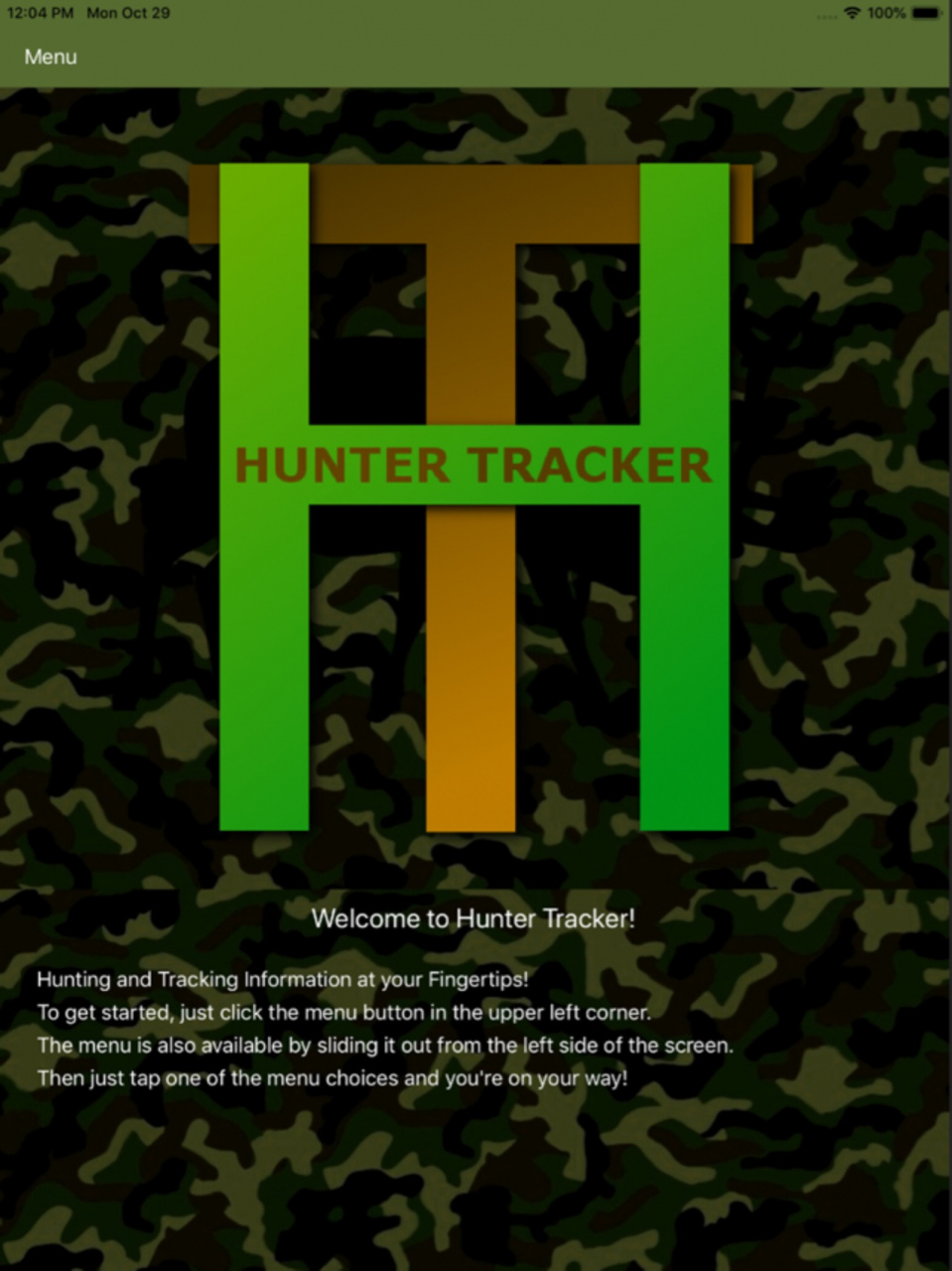
Version History Minor Fixes 3.7 10/27/2023 New Home Page
No Hidden or Monthly Fees 3.6 10/16/2023 Minor Fixes 3.4 10/15/2023 New Lunar Calendar Shows Months of Moon Phases 19 09/06/2019 Minor bug fixes 3.1 07/31/2019 Now performs even better! 3.0 12/07/2018 * Deer Activity Indicator lets you know when to hunt! 2.4 10/30/2018 New Menus, New Colors, You can now share your hunting log photos on Facebook and Twitter 2.3 08/27/2018 New Hunt Log helps you keep track of tracks and sightings!
Add a photo to your log entry!
Tap on log entry and get compass directions to that area!
You can now switch the background to Woodland or Hunter Orange!
Maps and Weather Forecasts automatically saved for offline use!
Deer Activity Indicators let you know the best times to hunt!
You can set the Wind / Scent Indicators to use degrees or letters(NNW) 5 07/05/2018 Our New Deer Activity Indicators make the World's Easiest Hunting and Game Tracking app even better!
We've also added the ability to set the wind /scent indicators to either degrees or compass headings (NNW)
Weather forecasts and deer activity are now automatically saved so you can access them later without an internet connection! 4 12/12/2017 Our New Deer Activity Indicators make the World's Easiest Hunting and Game Tracking app even better!
We've also added the ability to set the wind /scent indicators to either degrees or compass headings (NNW) 3 12/04/2017 Map centering and rest buttons! 2 11/22/2017 1.0 11/20/2017
About HunterTracker
The company that develops HunterTracker is Site Sculptors, LLC. The latest version released by its developer is 3.7.
To install HunterTracker on your iOS device, just click the green Continue To App button above to start the installation process. The app is listed on our website since 2026-10-14 and was downloaded 0 times. We have already checked if the download link is safe, however for your own protection we recommend that you scan the downloaded app with your antivirus. Your antivirus may detect the HunterTracker as malware if the download link is broken.
How to install HunterTracker on your iOS device:
- Click on the Continue To App button on our website. This will redirect you to the App Store.
- Once the HunterTracker is shown in the iTunes listing of your iOS device, you can start its download and installation. Tap on the GET button to the right of the app to start downloading it.
- If you are not logged-in the iOS appstore app, you'll be prompted for your your Apple ID and/or password.
- After HunterTracker is downloaded, you'll see an INSTALL button to the right. Tap on it to start the actual installation of the iOS app.
- Once installation is finished you can tap on the OPEN button to start it. Its icon will also be added to your device home screen.
Program Details
System requirements
Download information
Pricing
Version History
version 3.7
posted on 2026-10-14
Version History Minor Fixes 3.7 10/27/2023 New Home Page
No Hidden or Monthly Fees 3.6 10/16/2023 Minor Fixes 3.4 10/15/2023 New Lunar Calendar Shows Months of Moon Phases 19 09/06/2019 Minor bug fixes 3.1 07/31/2019 Now performs even better! 3.0 12/07/2018 * Deer Activity Indicator lets you know when to hunt! 2.4 10/30/2018 New Menus, New Colors, You can now share your hunting log photos on Facebook and Twitter 2.3 08/27/2018 New Hunt Log helps you keep track of tracks and sightings!
Add a photo to your log entry!
Tap on log entry and get compass directions to that area!
You can now switch the background to Woodland or Hunter Orange!
Maps and Weather Forecasts automatically saved for offline use!
Deer Activity Indicators let you know the best times to hunt!
You can set the Wind / Scent Indicators to use degrees or letters(NNW) 5 07/05/2018 Our New Deer Activity Indicators make the World's Easiest Hunting and Game Tracking app even better!
We've also added the ability to set the wind /scent indicators to either degrees or compass headings (NNW)
Weather forecasts and deer activity are now automatically saved so you can access them later without an internet connection! 4 12/12/2017 Our New Deer Activity Indicators make the World's Easiest Hunting and Game Tracking app even better!
We've also added the ability to set the wind /scent indicators to either degrees or compass headings (NNW) 3 12/04/2017 Map centering and rest buttons! 2 11/22/2017 1.0 11/20/2017
version 3.7
posted on 2023-10-27
Oct 27, 2023
Version 3.7
Minor Fixes
version 3.7
posted on 2023-10-27
Minor Fixes
version 19
posted on 2019-09-06
Sep 6, 2019 Version 19
New Lunar Calendar Shows Months of Moon Phases
Disclaimer
Official App Store Link
We do not host HunterTracker on our servers. We did not scan it for viruses, adware, spyware or other type of malware. This app is hosted by Apple and passed their terms and conditions to be listed there. We recommend caution when installing it.
The App Store link for HunterTracker is provided to you by apps112.com without any warranties, representations or guarantees of any kind, so access it at your own risk.
If you have questions regarding this particular app contact the publisher directly. For questions about the functionalities of apps112.com contact us.
